User-friendly
A clear interface that keeps the tools your team needs close at hand.


MIG HORECA · POINT OF SALE
Bring sales, floor plans, PLU workflows, and mobile service tools into one clear system. Built for stand-alone and networked environments, with help available by phone and remotely.
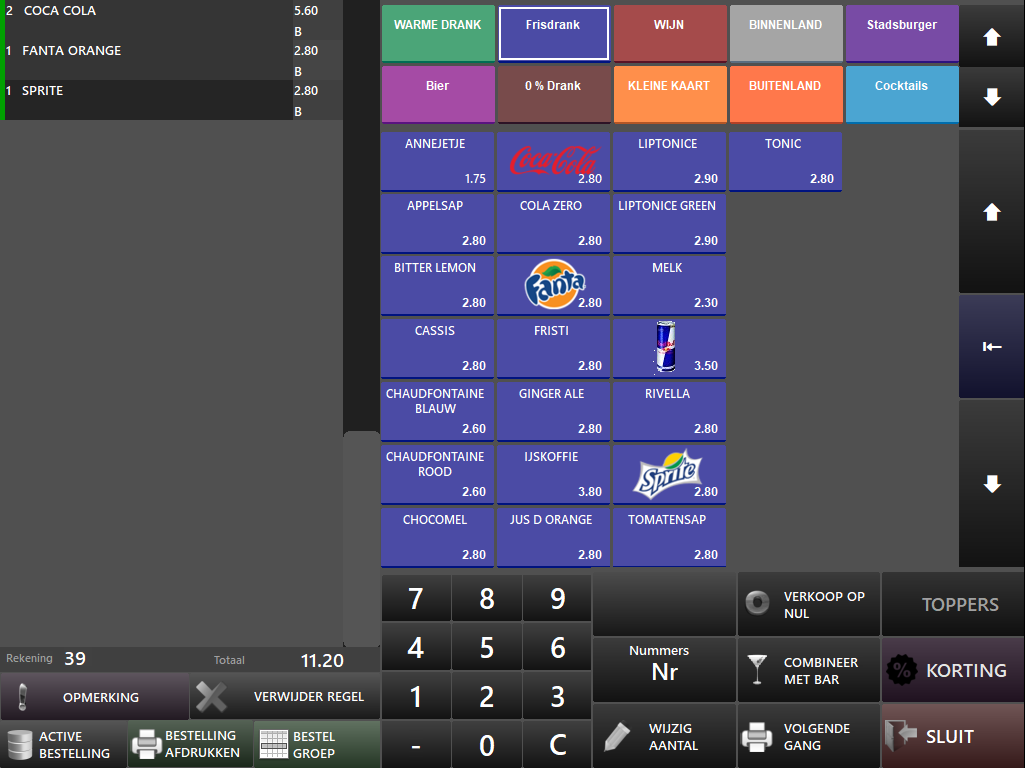
BUILT AROUND THE WORK
MIG Horeca brings practical point-of-sale tools together in an interface designed to stay clear—even when service gets busy.
A clear interface that keeps the tools your team needs close at hand.
Built for both stand-alone operation and networked environments.
Get assistance by telephone or through remote support.
Use product lookup numbers to keep item entry organised and consistent.
Work with a visual floor plan when your venue’s setup calls for it.
Extend MIG Horeca to Android with the dedicated Service application for service staff.
SEE IT IN ACTION
Explore the real desktop and mobile interfaces from MIG Horeca, then watch the product overview for a guided look.
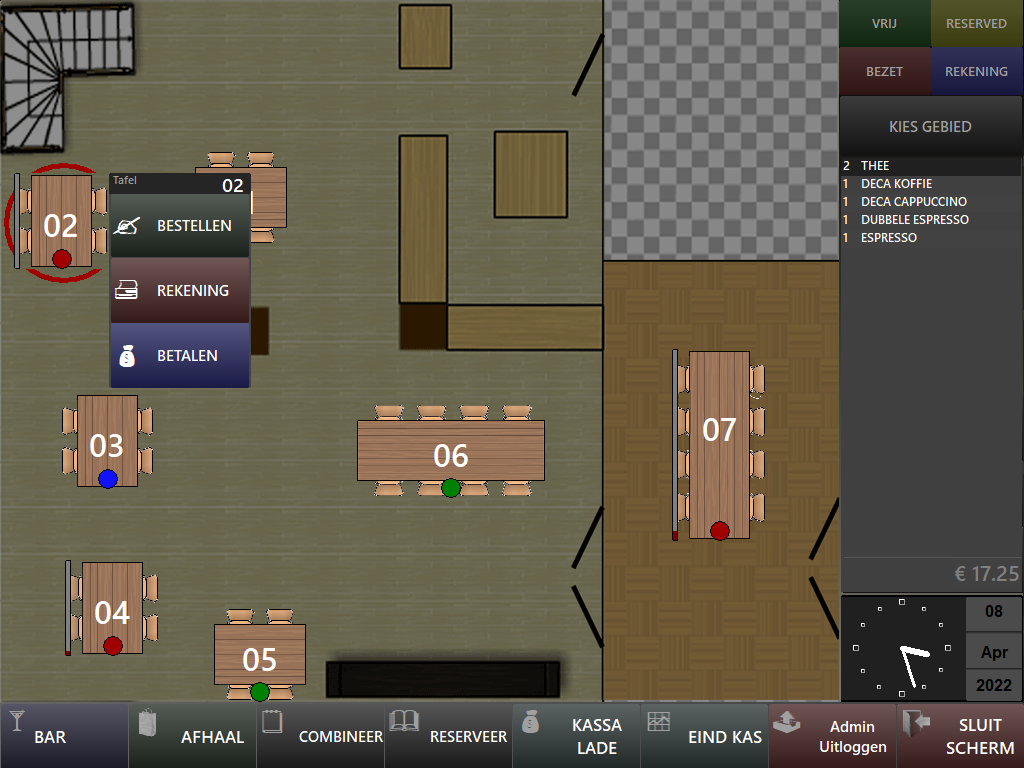
Move from a live table map to ordering, bills, payments, reservations, and end-of-day tasks in a few clear steps.
Colour-coded groups, PLU entry, modifiers, discounts, and course controls keep every order moving.
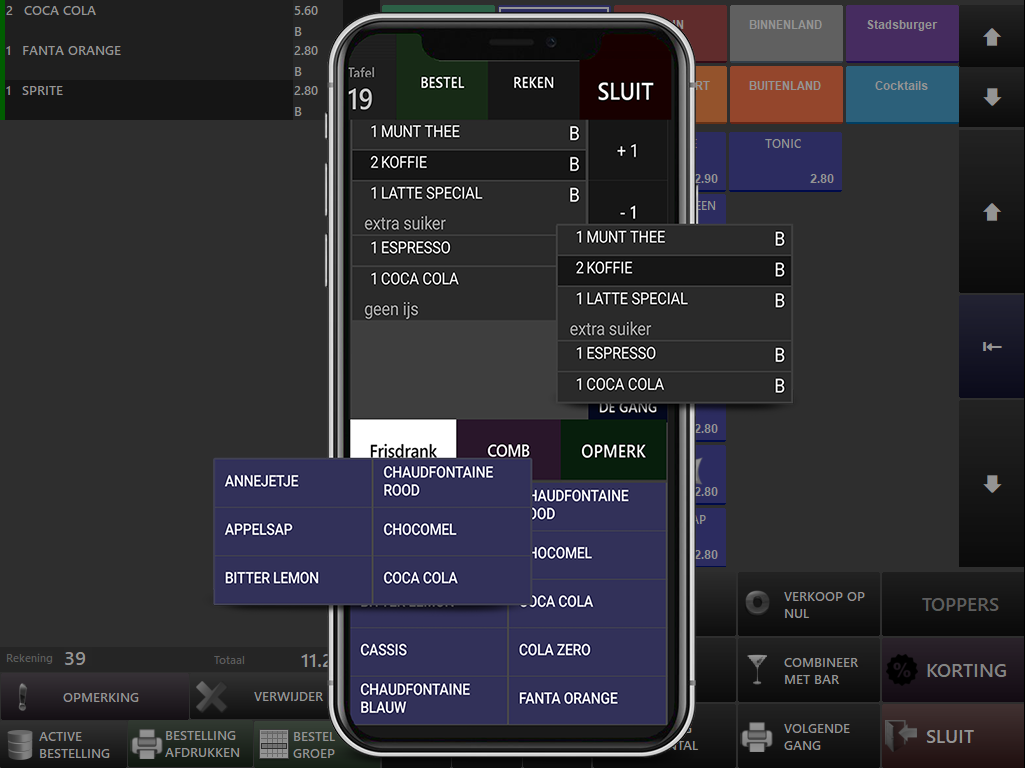
Keep the counter and service team connected with a mobile interface designed around the same order flow.
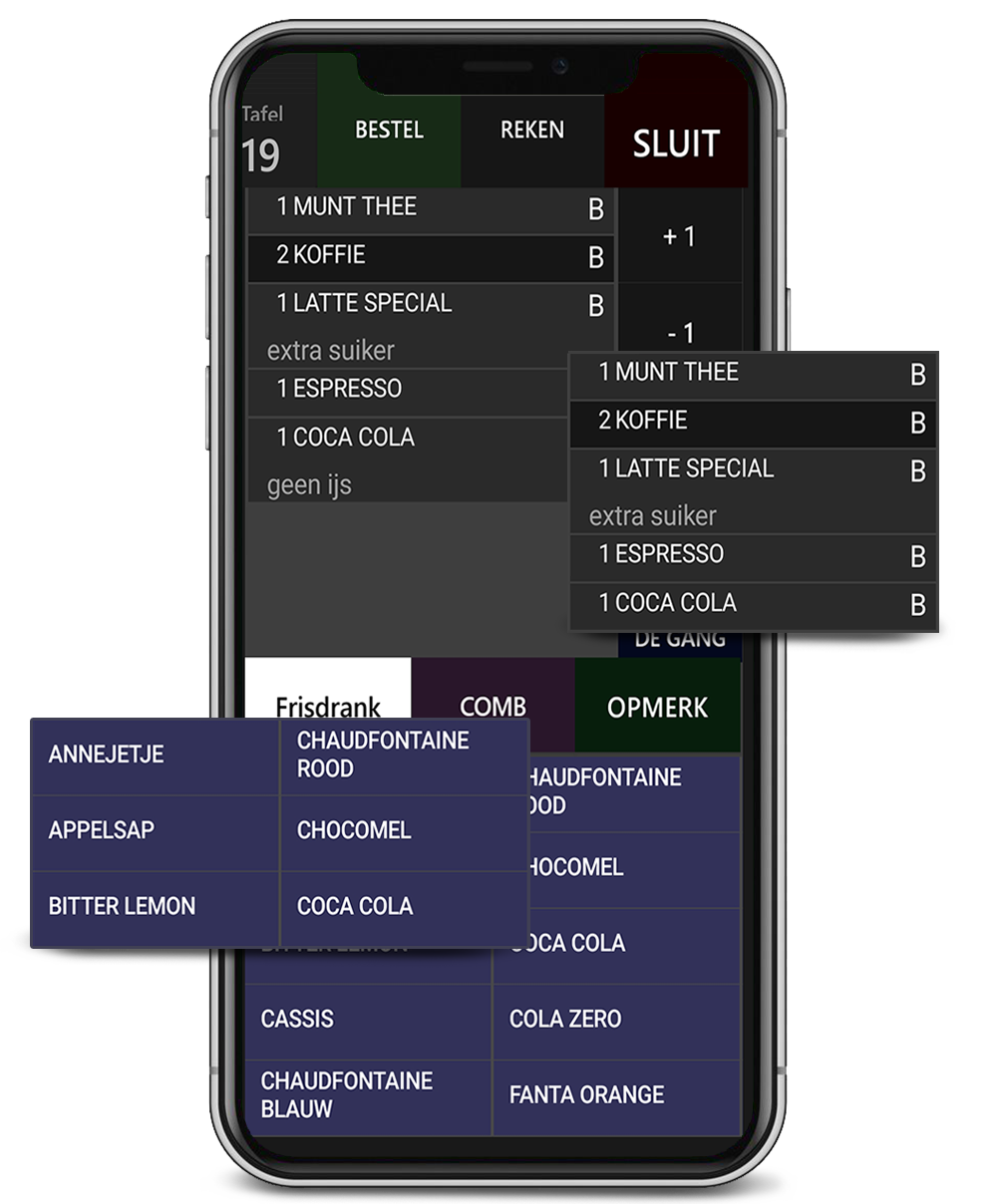
MIG MOBILE
The MIG Service Android application helps service staff stay connected to the same order flow, with screen rotation as the device orientation changes.
START YOUR WAY
Get to know MIG Horeca, then choose a monthly or annual plan.
THE GUIDE TO YOUR FIRST SERVICE
See MIG Horeca in action before your first service. Start with video walkthroughs and the essentials to know before setup, then explore the full documentation at your own pace.
Explore the docs & guidesdocs.mig.softwareOpens in a new tab
MIG HORECA Video walkthroughs
See how the workflow comes together.
Get familiar with the setup essentials.
Find your answers, step by step.
€29 billed monthly.
A month-to-month MIG Horeca subscription.
Choose monthly€319 billed annually.
12 months for the price of 11.
Additional services that work with MIG Horeca—such as third-party applications, services, or partner integrations—may involve additional costs.
DOWNLOADS
Choose MIG Horeca for Windows or the MIG Service Android application for service staff.
Your download opens from MIG Software’s existing delivery route.
CONTACT
Reach MIG Software by phone or email, or prepare a message using the form.
Tell us what you need and we’ll help you find the right next step.